

Music Business
Splice Create AI DAW: Features, Pricing & Producer Guide
Splice launched Create, a new AI-assisted DAW with Rheo. Explore its features, pricing, sample licensing, and what it means for independent music producers.
AudToro Team · Nov 10, 2026 · 15 min read
Splice Launches Create, an AI-Powered DAW With Rheo: What Music Producers Need to Know
Artificial intelligence is moving deeper into the music-production process.
Until recently, many discussions about AI music focused on software capable of generating complete songs from text prompts.
Now, another approach is emerging: artificial intelligence that works alongside producers inside a traditional digital audio workstation.
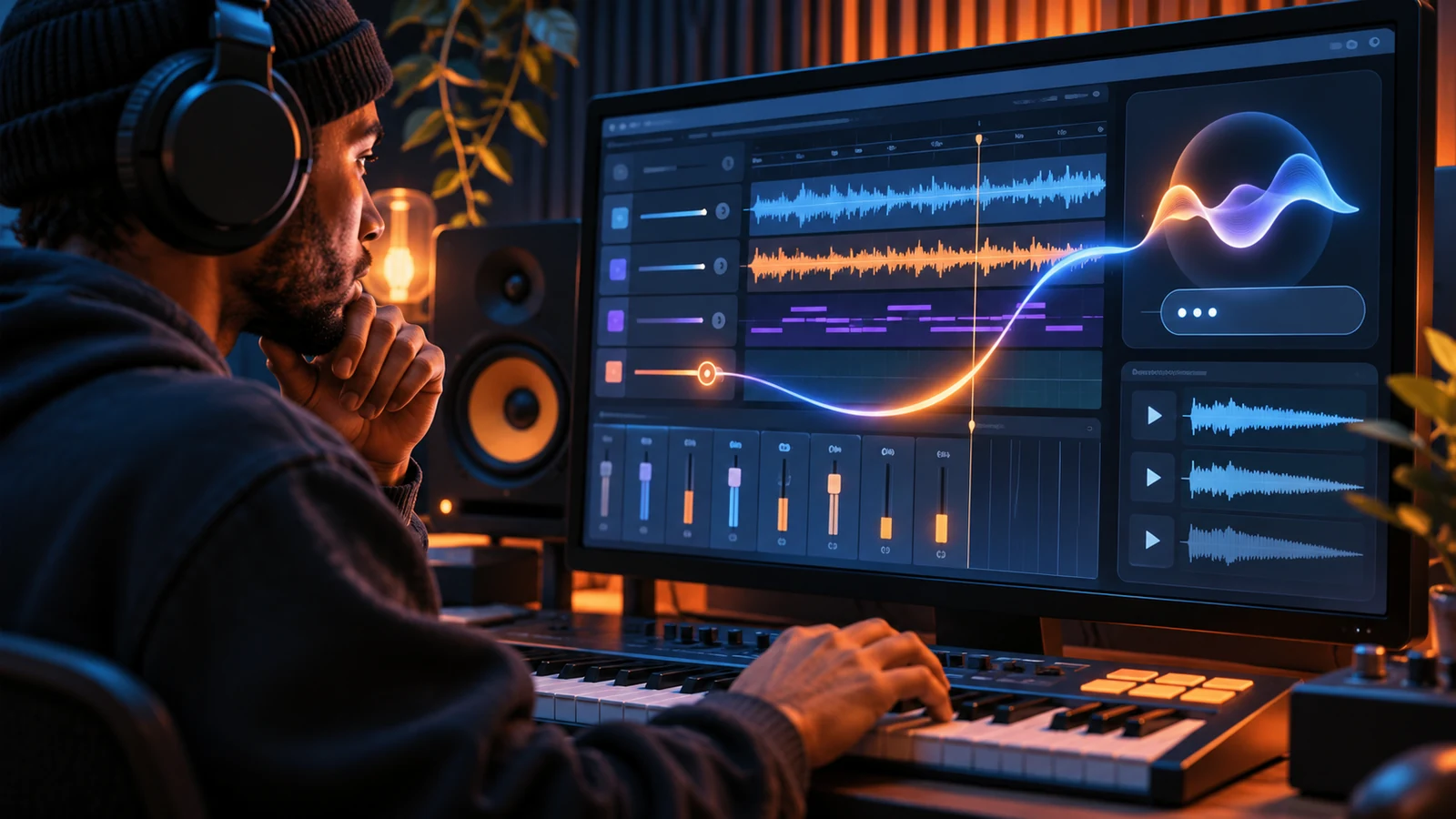
On November 5, 2026, music-production platform Splice launched Create, a standalone DAW that combines recording, arrangement, mixing, virtual instruments, and access to its extensive sample library.
The software also introduces Rheo, an AI assistant that can respond to written or spoken instructions and perform tasks directly inside a music project.
A producer can ask Rheo to find a drum sample, adjust a compressor, write a MIDI bassline, or organize tracks.
The assistant can also explain production techniques instead of automatically performing them.
For independent producers, the development raises an important question:
Will AI-assisted production software make music creation more accessible while preserving the creative skills that distinguish one producer from another?
The answer depends on how these tools are used, what limitations they introduce, and whether they genuinely improve the production process.
What Is Splice Create?
Splice Create is a standalone digital audio workstation developed by Splice, a company widely known for its sample library and music-production tools.
A DAW is software used to record, arrange, edit, and mix audio and MIDI.
Popular examples include Ableton Live, Logic Pro, FL Studio, and Pro Tools.
Splice Create enters that category with an emphasis on accessibility and integrated assistance.
The software includes a timeline-based arrangement environment, recording tools, MIDI editing, virtual instruments, audio effects, and support for third-party plugins.
Its distinguishing feature is the integration of Splice's sample catalog and Rheo, an assistant capable of interacting with the DAW's controls.
Rather than requiring producers to search through menus for every operation, Rheo can interpret natural-language instructions and carry out supported tasks.
The software is currently available as a Mac beta.
Splice plans to introduce Windows and web versions, although specific release dates have not been announced.
Independent coverage from The FADER confirms that Create supports existing plugins and can export finished work as audio stems or an Ableton Live session, subject to the appropriate subscription. The Fader
How Does Rheo AI Work?
Rheo is the AI assistant integrated into Splice Create.
It operates through a panel inside the DAW and accepts written or spoken instructions.
Unlike a conventional chatbot that only provides advice, Rheo can interact with the production environment.
According to Splice's documentation, Rheo can perform tasks involving tracks, effects, MIDI, sound selection, and recording.
For example, a producer could request:
- Reduce the bass volume during the chorus.
- Add reverb to the lead vocal.
- Find a kick drum that complements the existing arrangement.
- Create a MIDI bassline for a selected section.
- Organize related drum tracks into a group.
- Explain how compression affects vocal dynamics.
These examples illustrate the type of functionality Splice documents. They are not results from independent testing conducted by AudToro.
Rheo can also analyze audio to inform certain processing decisions.
The practical advantage is that producers may spend less time navigating menus and more time evaluating musical ideas.
However, the assistant's effectiveness will depend on how accurately it interprets instructions and whether its changes produce the intended result.
Splice provides an undo function so users can reverse changes made by Rheo.
That is particularly important when experimenting with automated mixing or arrangement adjustments. Splice Support
Rheo Has Two Modes: Assist and Point
One of Create's most interesting features is the distinction between performing a task and teaching someone how to perform it.
Assist Mode
Assist allows Rheo to make changes directly inside a project.
For example, a producer might request a delay effect on a vocal track.
Rheo can insert and configure the effect.
This mode is designed for users who know what they want to accomplish but prefer a faster workflow.
Point Mode
Point provides guided instruction instead of automatically completing the task.
If a beginner asks how to add compression to a vocal, Rheo can identify the relevant controls and guide the user through the process.
This approach may be especially useful for people learning music production.
A new producer can ask questions while working inside the same application.
Instead of switching between a DAW and an external tutorial, the user receives guidance in context.
Splice says new users begin in Point mode.
The distinction matters because it addresses a common criticism of AI-assisted creative tools: software that performs every task automatically may reduce opportunities to develop the underlying skill.
Point mode attempts to make AI assistance educational rather than purely automatic. Splice Support
Can Splice Create Generate Complete Songs?
Rheo can help assemble substantial musical arrangements.
It can select samples, generate MIDI patterns, configure instruments, and make arrangement changes.
MusicRadar's early review found that the assistant could build an extensive track using these capabilities.
However, this should not be confused with generating a finished audio recording from scratch in the same manner as a prompt-to-song AI service.
Splice describes Create as a production environment built around editable musical elements and its licensed sound catalog.
The distinction is important.
A producer using Create can inspect individual tracks, replace samples, modify MIDI notes, change effects, and rearrange sections.
That provides a different type of control from receiving a completed stereo audio file.
Nevertheless, the ability to assemble large portions of a composition automatically raises questions about creative decision-making.
If software chooses the sounds, writes the MIDI, and builds the arrangement, the producer must decide which musical decisions they want to retain.
MusicRadar's November 6 review identified this as a central concern: AI assistance can accelerate production, but relying too heavily on it may reduce the development of skills that contribute to an individual musical identity. MusicRadar
How Much Does Splice Create Cost?
Splice Create is free to download and use during its current beta.
However, the free version has significant limitations.
Most importantly, free users cannot export completed projects.
They also receive a limited introductory allowance of Rheo usage.
According to Splice's current documentation, free users receive 100 introductory Rheo units.
Once those units are exhausted, continued AI assistance requires an eligible paid plan.
Splice Create Pro is available at an introductory price of $9.99 per month, according to launch reporting.
That plan provides project exports, monthly Rheo units, and access to sample licensing features.
Splice's documentation currently lists 1,000 monthly Rheo units for Create Pro.
Eligible existing Creator and Creator+ subscribers can also access project exports, although their sample licensing and Rheo allowances differ.
Pricing and introductory offers may change.
Producers should verify the current subscription terms before purchasing. Splice Support
Is Splice Create Really Free?
The answer depends on what the user needs.
Someone can explore the interface, experiment with arrangements, and learn production techniques without immediately purchasing a subscription.
However, producers who need to export finished audio for clients or commercial releases will require an eligible paid plan.
That makes the free version more suitable for evaluation and experimentation than for a complete professional delivery workflow.
A producer should consider the export restriction before moving an important project into the software.
How Does Sample Licensing Work in Create?
Splice's sample library is a major part of the new DAW.
The company offers a large catalog of loops, one-shots, and other production sounds.
Create allows producers to search for sounds and audition them directly inside projects.
However, previewing a sample and obtaining the rights to use it commercially are different steps.
According to Splice's documentation, samples initially appear as previews until they are licensed.
Licensing a sample adds the full-quality version to the user's library.
Eligible subscriptions provide different methods for obtaining those licenses.
For example, Create Pro includes unmetered sample licensing within Create, while certain other subscriptions use credits.
Splice states that unlicensed samples are silenced during export.
This is an important safeguard, but it also means producers must verify that all required samples are licensed before delivering a project.
The company's general sample licenses permit many commercial music uses, subject to applicable restrictions.
However, royalty-free licensing does not mean that the original sample lacks copyright protection or that every possible use is unrestricted.
Producers should review the terms governing the specific material they use. Splice Support
Can Producers Sell Beats Made With Splice Samples?
Generally, Splice offers samples that can be incorporated into commercially released music under its applicable licensing terms.
However, producers should distinguish between creating an original composition using licensed sounds and redistributing sample files as standalone products.
For example, incorporating a licensed drum sample into a substantially developed instrumental is different from reselling that drum sample by itself.
The precise permissions depend on the applicable license.
Producers creating beats for commercial sale should verify that the sounds they use are properly licensed and that their intended distribution complies with the relevant terms.
This becomes especially important when offering different beat licenses.
An artist purchasing a beat may expect to receive a WAV file, MP3, or individual stems.
The producer should understand whether the underlying sample licenses permit the intended deliverables and uses.
A license to use a sample in a musical composition does not necessarily authorize distributing the isolated sample as a competing sound-library product.
Professional beat licensing requires attention to both the producer's original contributions and any third-party material incorporated into the recording.
Does Splice Train AI on Music Created by Its Users?
AI training practices are an important consideration for musicians evaluating new production software.
Splice states that Create's AI features are developed using material it owns or licenses.
The company also says its approach compensates original sample creators when licensed sounds or supported variations are used.
Independent reporting indicates that Splice says it does not train Create's models on music users make or upload inside the application.
However, the technical and contractual details of AI development can be complicated.
MusicRadar reported that Splice uses both internal and third-party models, raising questions about how broadly claims concerning licensed training data apply across different components.
Producers should distinguish between a company's stated policy and independent verification of every underlying model or dataset.
Those concerned about confidential client recordings should review the application's current privacy terms, data-processing policies, and available controls before uploading sensitive material.
This is especially relevant to producers working under confidentiality agreements.
A client may authorize an engineer to record and mix a song without authorizing the engineer to submit unreleased material to unrelated services.
How Does Splice Create Compare With Traditional DAWs?
Splice Create enters a market containing established production applications.
Its strongest differentiator is not necessarily the number of conventional editing features.
It is the combination of sample discovery, natural-language control, and guided production instruction.
Traditional DAWs have extensive ecosystems of instruments, effects, controllers, and advanced workflows.
Experienced producers may already have efficient methods for recording, arranging, and mixing.
For those users, an AI assistant may be valuable only if it improves their existing process.
Beginners may evaluate the software differently.
A new producer who struggles to understand routing, compression, or MIDI editing could benefit from guided assistance.
However, the current beta status also matters.
MusicRadar's early assessment described Create as promising but not yet as deep as established DAWs in every area.
That is an editorial assessment based on early testing, not a definitive ranking of all production software.
Producers considering a switch should test compatibility with their plugins, hardware, project files, and delivery requirements.
Will AI-Assisted DAWs Replace Music Producers?
Splice Create demonstrates that AI can perform an expanding range of production tasks.
However, technical capability and professional value are not identical.
A producer's work may involve far more than programming drums or adjusting effects.
Professional producers often help artists develop arrangements, refine performances, establish a musical direction, and make creative decisions throughout a recording project.
Those responsibilities involve communication, judgment, and collaboration.
For example, an artist may know the emotional direction they want for a song but struggle to communicate it in technical terms.
A producer can interpret that direction, suggest changes, and help the artist develop a recording that reflects their intentions.
An AI assistant may help execute certain technical operations.
It does not automatically replace the broader professional relationship.
That distinction is particularly important for producers offering services to clients.
As routine technical tasks become easier to automate, producers may need to emphasize the creative and interpersonal value of their work.
What This Means for Independent Recording Studios
Recording studios may also find uses for AI-assisted production software.
A studio engineer could potentially use an assistant to organize tracks, prepare sessions, or perform repetitive editing tasks.
For example, labeling a large recording session can take time.
Automated assistance may reduce the effort involved.
However, professional studios should evaluate new software carefully before incorporating it into client workflows.
Important considerations include plugin compatibility, session reliability, file export, data security, and the ability to exchange projects with other engineers.
A studio that regularly receives Pro Tools sessions should not assume every project can be transferred into another DAW without complications.
Similarly, AI-assisted mixing decisions should still be evaluated through appropriate monitoring and critical listening.
An automated adjustment may produce a technically measurable change without matching the artistic intent of the recording.
The most useful role for AI may be supporting engineers rather than replacing their responsibility for the finished result.
Five Ways Producers Can Use AI Without Losing Their Creative Identity
The introduction of increasingly capable AI production assistants makes workflow discipline more important.
1. Use AI for repetitive tasks. Track organization, basic routing, and routine editing may be good candidates for automation when the results can be checked.
2. Keep control of musical decisions. Producers should evaluate suggested chords, melodies, samples, and arrangements rather than accepting every result automatically.
3. Use guided assistance to develop skills. Rheo's Point mode may be more valuable for learning than automatically completing every task.
4. Review licensing before releasing music. AI assistance does not eliminate the need to understand sample rights, songwriting ownership, or client agreements.
5. Preserve the ability to work independently. Producers benefit from understanding their tools well enough to complete projects when an AI feature is unavailable or produces an unsuitable result.
The goal should be to make technology serve the music rather than allowing the technology to determine every creative choice.
Why This Matters for Producers Selling Beats and Services
For independent producers, faster production workflows can create opportunities.
A producer may be able to test more arrangements, develop additional instrumental ideas, or complete routine editing more efficiently.
However, producing more beats does not automatically create more customers.
Commercial success still depends on the quality of the work, audience demand, licensing terms, and relationships with artists.
A producer who uses AI assistance to create an instrumental may still need to communicate with the artist, customize the arrangement, prepare deliverables, and negotiate the appropriate license.
Those activities remain part of professional music production.
AudToro connects independent artists with producers and recording services while supporting collaboration through project workspaces.
Its beat marketplace also provides a channel for producers to offer original instrumentals.
Tools such as Splice Create may assist with the production process, while marketplaces and professional relationships help connect that work with artists who need it.
Neither approach guarantees commercial success.
The opportunity lies in combining efficient production methods with clear licensing and dependable service.
What Happens Next for Splice Create?
Splice Create is currently available as a Mac beta.
The company plans to expand to Windows and web platforms, but has not announced confirmed release dates.
Several developments will be worth monitoring.
One is whether Splice expands the assistant's capabilities while maintaining reliable control over project changes.
Another is whether the company introduces additional compatibility features for producers who use multiple DAWs.
Pricing will also matter.
A subscription model that combines project exports, sample licensing, and metered AI usage may appeal to some producers while creating additional costs for others.
Finally, the product's long-term reception will depend on whether it helps musicians make better music—not merely whether it can perform more tasks automatically.
The strongest evidence will come from sustained use in real production environments.
Frequently Asked Questions
What is Splice Create?
Splice Create is a standalone digital audio workstation launched in beta on November 5, 2026.
It combines recording, MIDI editing, mixing, sample discovery, and an integrated AI assistant.
What is Rheo AI?
Rheo is the AI assistant inside Splice Create.
It can respond to written or spoken instructions, perform supported production tasks, and guide users through the software.
Is Splice Create free?
The software is free to download and use, but the free version does not allow project exports.
It also includes a limited introductory Rheo allowance.
How much does Splice Create Pro cost?
Launch reporting lists an introductory price of $9.99 per month.
Current pricing should be verified before subscribing.
Can Splice Create export WAV files?
Yes, with an eligible paid subscription.
The software supports audio exports and other project-delivery options.
Is Splice Create available on Windows?
Not yet as of November 7, 2026.
The current beta is for Mac, with Windows and web versions planned.
Can Rheo generate a complete beat?
Rheo can help assemble arrangements, select samples, and create MIDI patterns.
However, Create is not simply a prompt-to-finished-audio generator.
Its workflow centers on editable musical elements inside a DAW.
Can producers sell music made with Splice Create?
Producers can create music intended for commercial use, subject to the applicable sample licenses, third-party rights, and other relevant agreements.
Does Splice Create replace Ableton Live or FL Studio?
It is an alternative DAW, but whether it can replace an existing production environment depends on the producer's workflow and requirements.
The current beta may not offer every feature available in more established applications.
The Bottom Line
Splice Create represents an important development in the evolution of music-production software.
By integrating Rheo directly into a DAW, Splice is exploring a model in which AI can perform technical tasks, assist with musical arrangements, and teach users how to operate production tools.
The approach differs from services that primarily generate complete songs from prompts.
For independent producers, the potential benefits include faster workflows, easier access to production knowledge, and more efficient sound discovery.
However, those benefits come with considerations involving subscription costs, sample licensing, privacy, and creative control.
The most valuable music-production tools are not necessarily those that make the most decisions automatically. They are the tools that help producers make better decisions themselves.
As AI becomes more deeply integrated into recording software, independent musicians will need to decide which tasks to automate and which creative responsibilities they want to retain.
That balance may become an increasingly important part of developing a recognizable sound and a sustainable production career.
Verified Sources and Further Reading
Primary product documentation
Splice — Rheo AI Assistant Guide
Splice — Create Subscription Plans
Splice — Sample Licensing in Create
Independent reporting — November 6, 2026